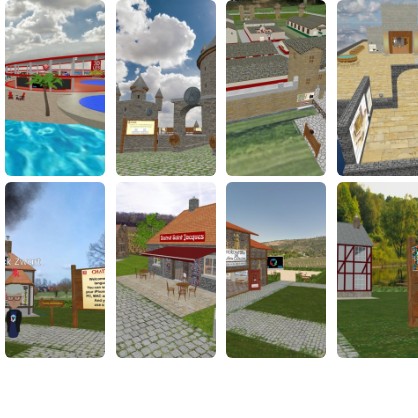
How to join with FrameVR
Tap “Open Frame” to open FrameVR, then follow these steps to get set up.
FRAME helps remote and hybrid members feel more present than a flat video call, while still joining from a simple link.
What you need before you join
-
Use a current version of Chrome, Edge, or Safari on desktop/mobile for the most reliable experience.
-
For VR, use Meta Quest Browser, Pico Browser, or WebXR-enabled desktop browsers with a tethered headset.
-
Allow microphone permissions so people nearby can hear you in spatial audio.
Join in a few steps
- Click "Open Frame" in Portalry. The FRAME space opens in a new tab.
- Enter your display name and allow microphone access when prompted.
- Select your input mode (keyboard/mouse, touchscreen, or VR controllers).
- Follow the organiser prompts, move into the main scene, and join the nearest conversation area.
Helpful tips
-
Use headphones to minimise echo and improve spatial audio.
-
If performance drops, lower graphics quality and close extra browser tabs.
-
Use text chat when your environment is noisy or your microphone is unavailable.
Learn more