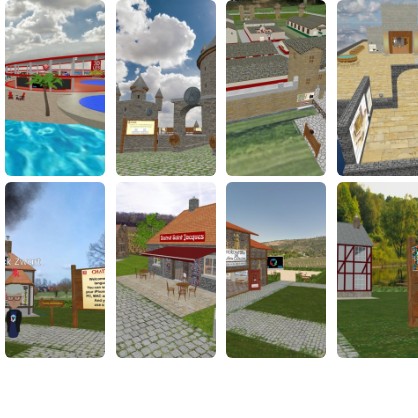
How to join with FrameVR
Tap “Open Frame” to open FrameVR, then follow these steps to get set up.
FRAME helps remote and hybrid members feel more present than a flat video call, while still joining from a simple link.
What you need before you join
Use a current version of Chrome, Edge, or Safari on desktop/mobile for the most reliable experience.
For VR, use Meta Quest Browser, Pico Browser, or WebXR-enabled desktop browsers with a tethered headset.
Allow microphone permissions so people nearby can hear you in spatial audio.
Join in a few steps
Click "Open Frame" in Portalry. The FRAME space opens in a new tab.
Enter your display name and allow microphone access when prompted.
Select your input mode (keyboard/mouse, touchscreen, or VR controllers).
Follow the organiser prompts, move into the main scene, and join the nearest conversation area.
Helpful tips
Use headphones to minimise echo and improve spatial audio.
If performance drops, lower graphics quality and close extra browser tabs.
Use text chat when your environment is noisy or your microphone is unavailable.
Learn more